Marble folder icons for Windows 11 and 10
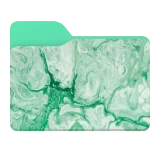
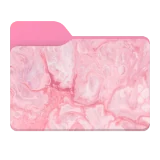
Nine fluid-marble folders on the two-tone shape, from silver gray and turquoise to crimson, gold, emerald and pastel pink. Each one comes from a photo of fluid marble art, recolored to match.
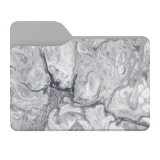

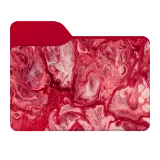
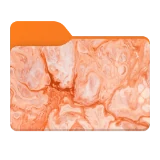
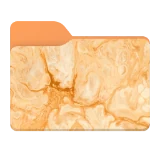


What's in the Marble set
The set has 9 folders: Silver Gray, Turquoise Cyan, Crimson Red, Warm Orange, Golden Yellow, Purple, Emerald Green, Blue and Pastel Pink.
Ideas for using them
Marble folders look best in groups. Pick three or four neighbouring colors, such as blue, turquoise and emerald, for one area of your drive, or give every main folder its own marble for a desktop that looks designed rather than default.
Because the pattern fills the folder, a marble folder also works as a background: add a symbol, an emoji or a short word on top and the marble stays underneath. That turns one calm design into a whole family of labelled folders, for example a turquoise marble with a different symbol for each project.
How to apply a Marble folder
Open FolderHue from the folder
Right-click the folder in File Explorer and choose Folder color › More colors and icons…
Pick a Marble folder
Open the Ready-made tab, choose Marble and click the folder you want. The preview shows it on your folder straight away.
Apply it
Click Apply. The new icon shows in File Explorer at once, and you can put the original back at any time.
Questions
Are the Marble folders free?
They are part of FolderHue Pro, $4.99 once with no subscription. In the free version you can still open all 9 of them and see them on your folder before you decide.
Can I change a Marble folder after picking it?
Yes. A ready-made folder is a starting point: change its color, symbol or shape in the other tabs, then choose Save as template to keep your version. Templates also appear in the right-click menu.