Fabric folder icons for Windows 11 and 10
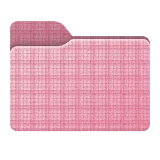
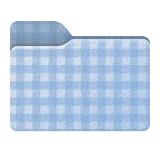
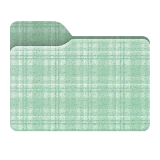
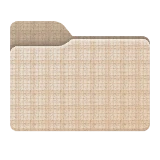
Fifteen Fabric folders woven in classic cloth patterns: gingham, tartan and glen check in three pinks, plus sky gingham, sage tartan, latte glen check, dots and stripes.
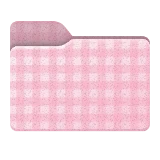
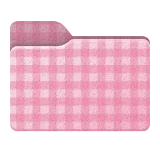
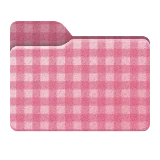
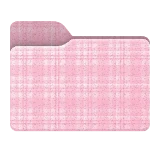
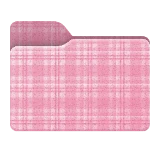
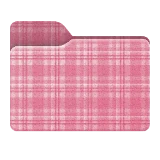
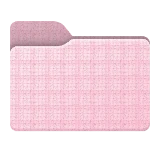
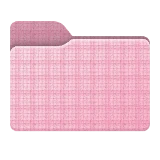
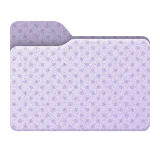
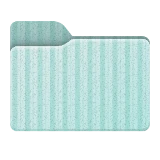
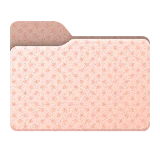
What's in the Fabric set
The set has 15 folders: Blush Gingham, Rose Gingham, Berry Gingham, Blush Tartan, Rose Tartan, Berry Tartan, Blush Glen Check, Rose Glen Check, Berry Glen Check, Sky Gingham, Sage Tartan, Latte Glen Check, Lavender Dots, Mint Stripes and Peach Dots.
Ideas for using them
Fabric folders look best as a family. Keep one pattern and change the shade, blush, rose and berry gingham for three related folders, or keep one color and change the weave from gingham to tartan to glen check.
Every weave also works in any color you choose: pick the Fabric shape on the Shape tab, then a pattern under Pattern, and the folder takes its color from the Colors tab. A white symbol with a soft shadow stays readable on every weave.
How to apply a Fabric folder
Open FolderHue from the folder
Right-click the folder in File Explorer and choose Folder color › More colors and icons…
Pick a Fabric folder
Open the Ready-made tab, choose Fabric and click the folder you want. The preview shows it on your folder straight away.
Apply it
Click Apply. The new icon shows in File Explorer at once, and you can put the original back at any time.
Questions
Are the Fabric folders free?
They are part of FolderHue Pro, $4.99 once with no subscription. In the free version you can still open all 15 of them and see them on your folder before you decide.
Can I change a Fabric folder after picking it?
Yes. A ready-made folder is a starting point: change its color, symbol or shape in the other tabs, then choose Save as template to keep your version. Templates also appear in the right-click menu.